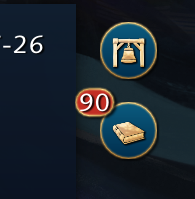
I managed to clear the 99 notification count on my end by connecting a controller to my PC, accessing the Daily Challenges and Recent Events UI, scrolling through all the events, and selecting “View Summary” for the latest event.
The notification cleared by itself shortly afterwards. I switched back to PC controls, and the notification count remained cleared.
I expect the notification to reappear eventually, but at least there’s a quick workaround to clear it, despite the lack of an actual “Mark All as Read” button or anything similar.