Issue:
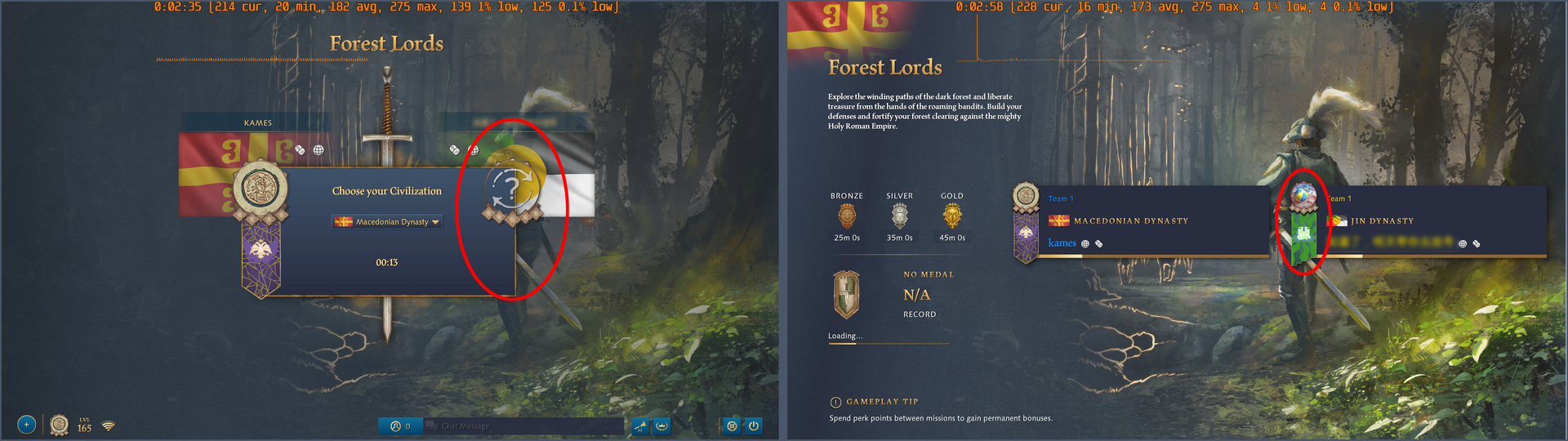
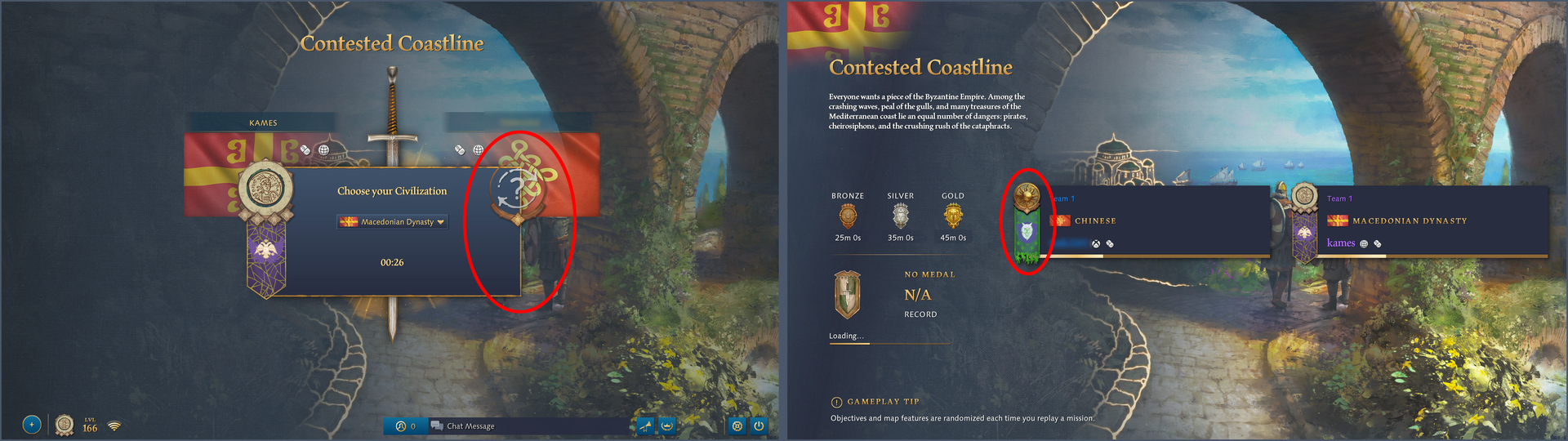
On the Choose your Civilization screen, before a co-op Crucible game starts, my ally’s profile icon and banner are not displayed as intended. The banner is missing, while the profile icon is replaced with a generic circular icon. On the next screen, the loading screen, both the profile icon and banner of my ally are displayed correctly.
Trigger Event:
Starting a co-op Crucible game.
Repro Steps:
- Boot the game and enter a co-op Crucible game.
- While on the Choose your Civilization screen, observe how your ally’s profile icon and banner are displayed.
Expected Result:
The ally’s profile icon and banner should be displayed correctly on the Choose your Civilization screen, just as they are on the loading screen.