 GAME INFORMATION
Can’t access crossplay/link my Microsoft and PlayStation accounts after the August 12 update
- GAME BUILD #: 153015
- GAME PLATFORM: PlayStation
- OPERATING SYSTEM: Whatever the latest PS5 firmware version is
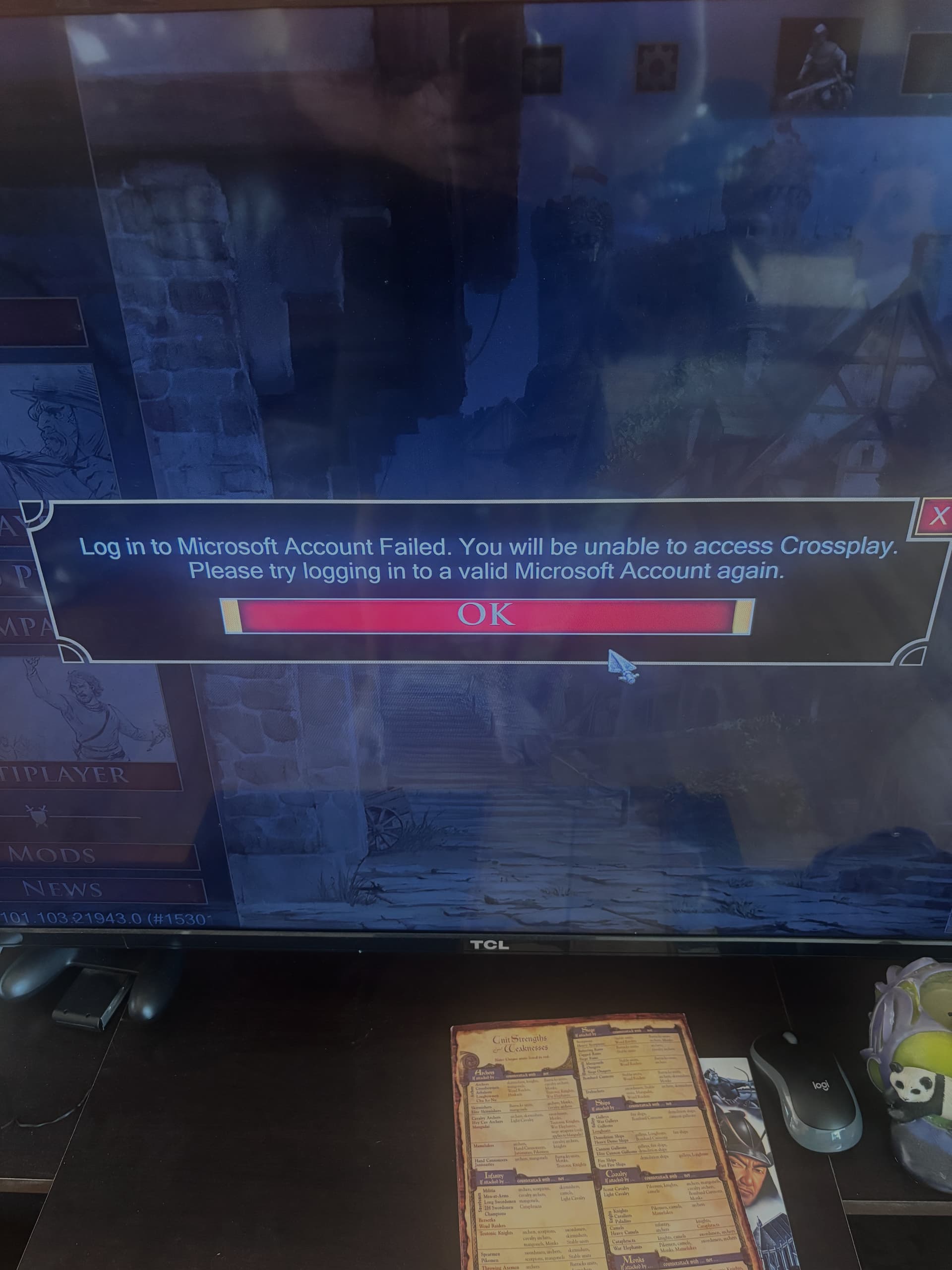
After downloading and installing the latest update on August 12th for the PS5 version, my Microsoft account was no longer logged in. When I click the box in the bottom right hand corner of the main menu to log in to my Microsoft account and follow the instructions on screen, it shows a successful login on my phone’s web browser, however I get an error message on my PlayStation that reads “Log in to Microsoft Account Failed. You will be unable to access Crossplay. Please try logging in to a valid Microsoft Account again.”
No matter how many times I try, I keep getting this error message. I am connected to the PlayStation network just fine.
FREQUENCY OF ISSUE
- 100% of the time / matches I play (ALWAYS)
REPRODUCTION STEPS
Here’s the steps to reproduce the issue:
- Open the game on the PS5 home screen.
- Skip the opening cutscene and go to the main menu.
- Click “Microsoft Account Sign In”
- Follow the instructions for logging into a Microsoft account
- Get frustrated when the log in is unsuccessful.
EXPECTED RESULT
I would be logged in in-game to my Microsoft account so that I could play online with crossplay.
IMAGE
GAME FILES (SAVE / RECORDING)
None created, because the issue is in the main menu, not a game.