 GAME INFORMATION
 These details are CRITICAL; DO NOT skip them or your issue may not be reviewed.
- **GAME BUILD #: V.100.19.17293.0
- GAME PLATFORM: Microsoft Store
- OPERATING SYSTEM: Windows 11
ISSUE EXPERIENCED
DESCRIBE THE ISSUE IN DETAIL (below). LIMIT TO ONE BUG PER THREAD.
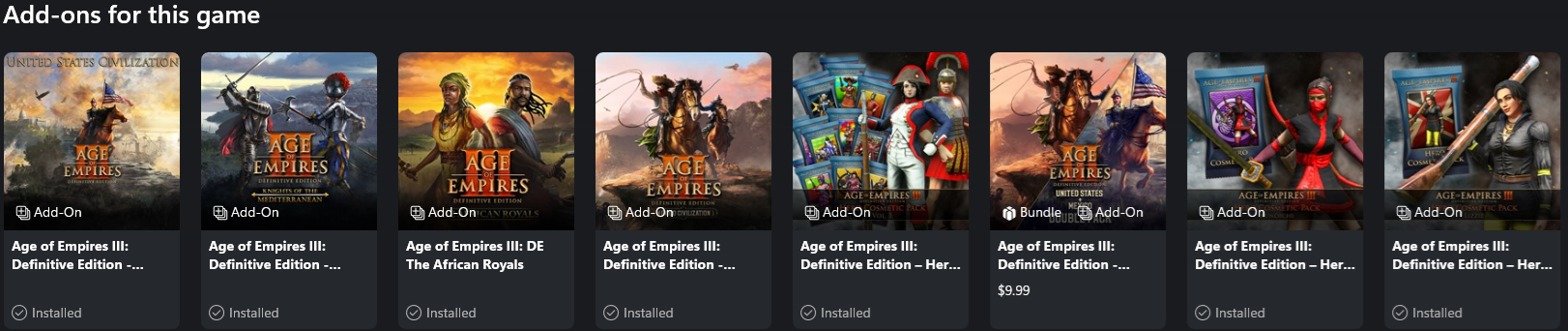
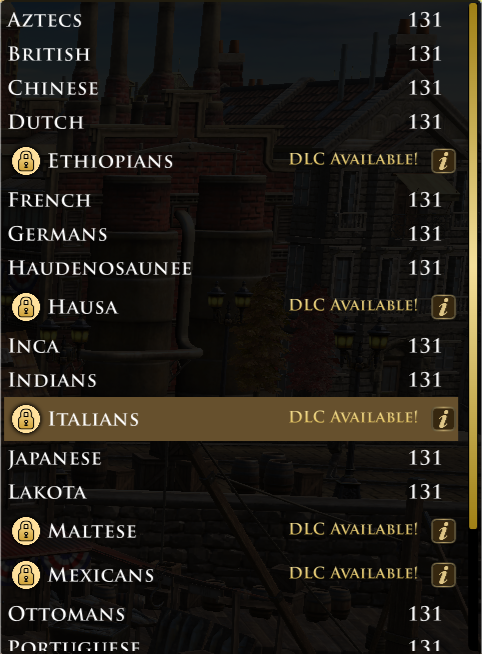
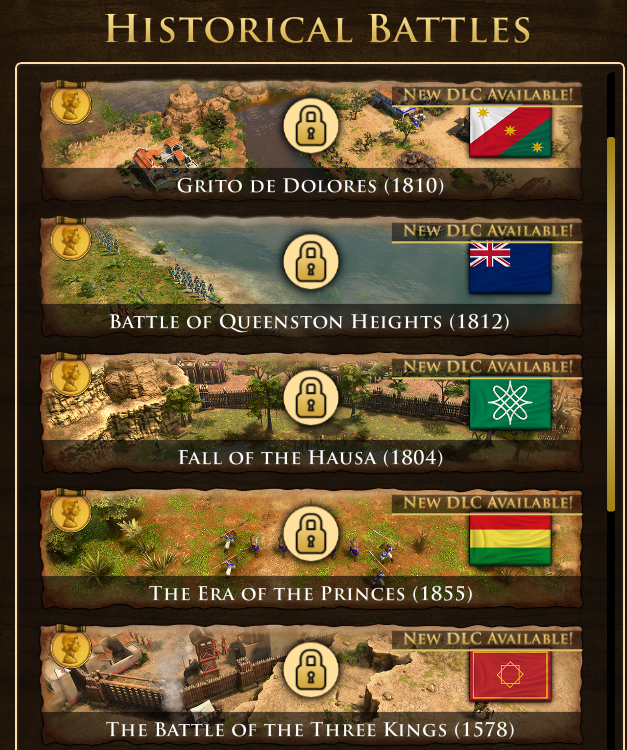
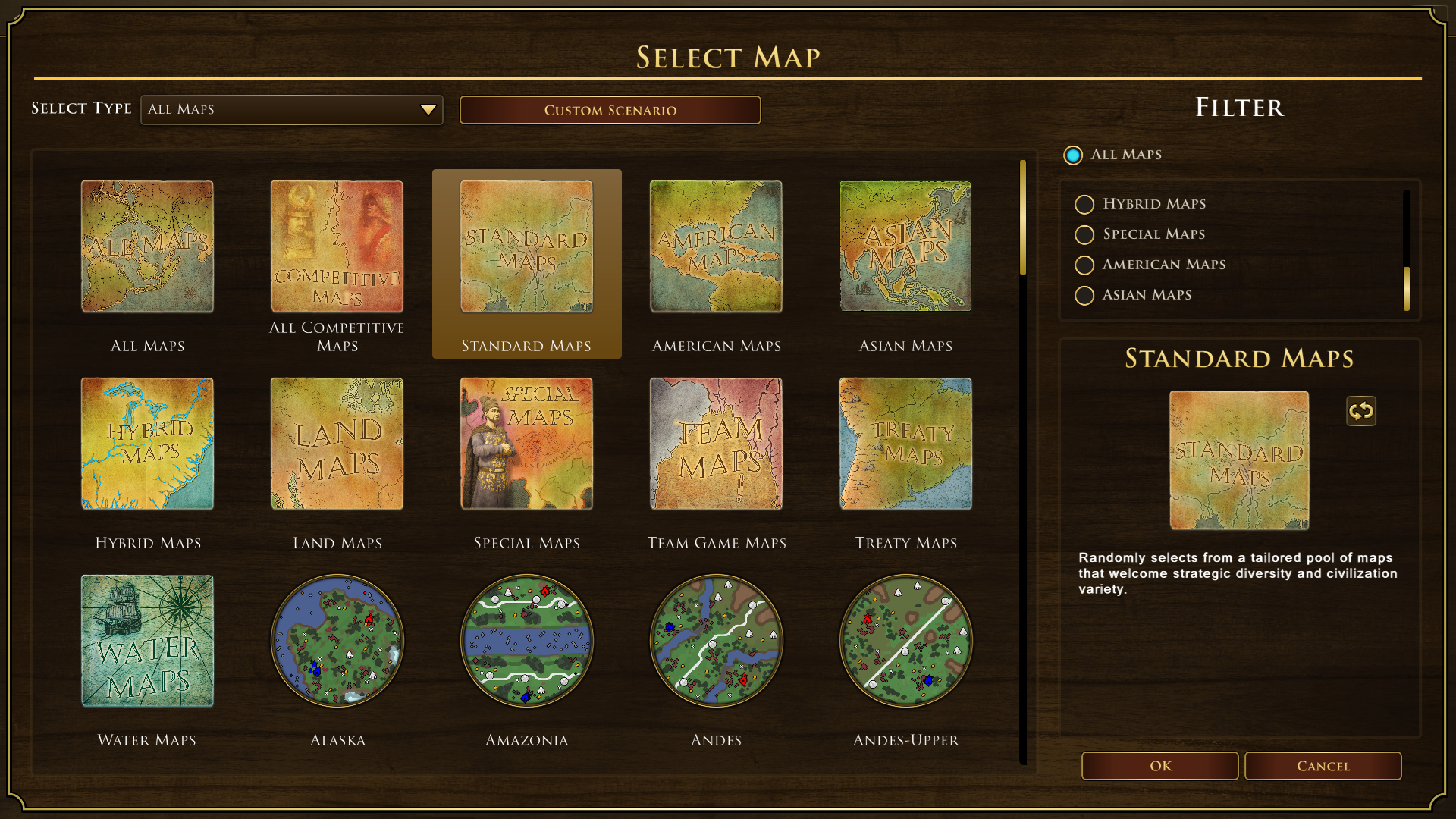
When I woke up and started my computer then clicked to start Age of Empires III: Definitive Edition the game had a pop up to sync up the game then after the game started and on the main menu I clicked the Home City button and noticed DLC civilizations (except for USA) are locked as well as other DLC content (except for some Hero skins that was already selected and active before this issue) that wasn’t from a past events that I completed.
FREQUENCY OF ISSUE
How often does the issue occur? CHOSE ONE; DELETE THE REST!
- 100% of the time / matches I play (ALWAYS)
Restarting the game game hasn’t fixed the issue. Restarting the computer and then the game hasn’t fixed the issue. Turning off the computer and then turning it back on to then play the game hasn’t fixed the issue.
REPRODUCTION STEPS
List CLEAR and DETAILED STEPS we can take to reproduce the issue ourselves… Be descriptive!
Here’s the steps to reproduce the issue:
- Click to start the game
- After game is on the main menu look around
- Seeing that DLC content is locked when moving around the different menus
EXPECTED RESULT
What was SUPPOSED to happen if the bug you encountered were not present?
All civilizations should be unlocked and available to play as well as the rest of the content from the DLC’s they belong to.
IMAGE
ALWAYS attach a PICTURE (.jpg, .png, .gif) or VIDEO (.mp4, YouTube link) that highlights the problem.


GAME FILES (SAVE / RECORDING)
Attach a SAVE GAME (.aoe3Ysav) or GAME RECORDING (.aoe3Yrec) of the match where you encountered the issue. Link it below if using an external file service.
- Not a saved game or recording game issue.