Game Crash from mod browser when clicking "subscribe"

:play_button: GAME INFORMATION

:backhand_index_pointing_down: These details are CRITICAL; DO NOT skip them or your issue may not be reviewed.

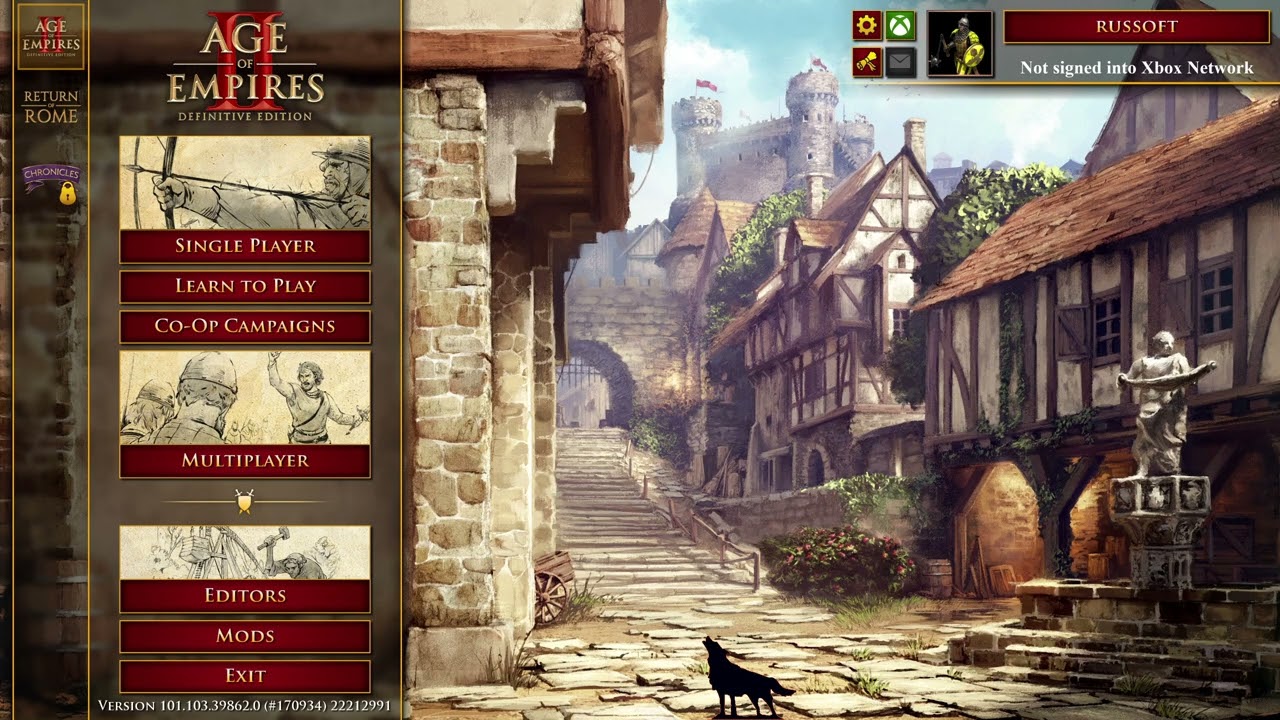
  • GAME BUILD #: 101.103.39862.0 #(170934)
  • GAME PLATFORM: Steam
  • OPERATING SYSTEM: Windows 10

:play_button: ISSUE EXPERIENCED

:backhand_index_pointing_down: DESCRIBE THE ISSUE IN DETAIL (below). LIMIT TO ONE BUG PER THREAD.

Initial symptom is failure for game to start, it crashes before going full screen, usually after splash screen. After several crashes, the game starts with notification that mods have been disabled. Any action taken at this point (re-enable or leave disabled) will lead to crash to desktop. Second launch of game will not cause a crash unless any attempt is made to re-enable mods. Reproduced on different Steam accounts.

Attempting to unsubscribe from mods causes crash. Deleting mods from folder on system causes the game to constantly try to download mods but fail. Complete reinstall of game with deletion of folders results in a stable game until any attempt is made to subscribe to any mod. The moment “subscribe” is clicked on ANY mod, the game immediately crashes to desktop. Mods have been removed on the online account too. Mods will run on the game if placed in the local folder with no issues, so this seems unrelated to any particular mod and no crashes are experienced in game. Only related to online download of mods or connection to the server that contains these mods.

Steam overlay was disabled for good measure. No overlays are enabled on the PC. Graphics drivers were updated.

:play_button: FREQUENCY OF ISSUE

:backhand_index_pointing_down: How often does the issue occur? CHOSE ONE; DELETE THE REST !

  • 100% of the time

:play_button: REPRODUCTION STEPS

:backhand_index_pointing_down: List CLEAR and DETAILED STEPS we can take to reproduce the issue ourselves… Be descriptiv e!

Here’s the steps to reproduce the issue:

  1. Launch the game

  2. Click “Mods”

  3. Click “Browser” tab

  4. Click subscribe on ANY mod

  5. Crash to desktop 100% of the time

:play_button: EXPECTED RESULT

:backhand_index_pointing_down: What was SUPPOSED to happen if the bug you encountered were not prese nt?

Any selected mod (including mundane ones like RMS scripts) downloads and does not crash to desktop

:play_button: IMAGE

:backhand_index_pointing_down: ALWAYS attach a PICTURE (.jpg, .png, .gif) or VIDEO (.mp4, YouTube link) that highlights the prob lem.

Please see attached video demonstrating the problem and associated troubleshooting:
:play_button: GAME FILES (SAVE / RECORDING)

:backhand_index_pointing_down: Attach a SAVE GAME (.aoe2spgame) or GAME RECORDING (.aoe2record) of the match where you encountered the issue. Link it below if using an external file ser vice.

  • There are no game recordings, the game does not crash during gameplay but in the menu system.
1 Like

More information:

This happens on multiple Steam accounts, all on the same computer. The bug cannot be reproduced on different computers in my home, so this is specific to this PC. What further info can I share to help diagnose this?
MoBo: X570 Aorus Elite WiFi
Processor: AMD Ryzen 5 5600X 3.7 GHz
RAM: 32GB
GPU: NVIDIA GeForce 3070Ti 8GB
Storage: 932 GB SSD WDC WDBA3V0010BNC-WRSN
OS: Windows 10 Home, 22H2

Log File from when it crashes during start up (no MainLog.txt is generated, just Main.txt)
[Main] : BaseGame constructor 1
[Main] : BaseGame constructor Before OpenFileById()
[Main] : BaseGame constructor After OpenFileById()
[Main] : BaseGame constructor 3
[Main] : BaseGame constructor 4
[Main] : BaseGame constructor 6
[Main] : BaseGame constructor 7
[Main] : BaseGame constructor 8
[Main] : BaseGame constructor done
[Main] : Game constructor 1
[Main] : Game constructor 2
[Main] : PreModManagerInit 1
[Main] : …success! About to setup graphics…
[Main] : …success! About to setup mouse…
[Main] : …success! About to setup cursors…
[Main] : …success! About to setup blank screen…
[Main] : …success! About to setup chat…
[Main] : …success! About to setup communications handler…

Example log file when merely entering “mods” page causes a crash because game is trying to sync to a mod I subscribed to on another PC:
[Main] : BaseGame constructor 1
[Main] : BaseGame constructor Before OpenFileById()
[Main] : BaseGame constructor After OpenFileById()
[Main] : BaseGame constructor 3
[Main] : BaseGame constructor 4
[Main] : BaseGame constructor 6
[Main] : BaseGame constructor 7
[Main] : BaseGame constructor 8
[Main] : BaseGame constructor done
[Main] : Game constructor 1
[Main] : Game constructor 2
[Main] : PreModManagerInit 1
[Main] : …success! About to setup graphics…
[Main] : …success! About to setup mouse…
[Main] : …success! About to setup cursors…
[Main] : …success! About to setup blank screen…
[Main] : …success! About to setup chat…
[Main] : …success! About to setup communications handler…
[Main] : Game::install modded languages
[Main] : Game::open resource packages
[Main] : BaseGame::GameSetupPostModManagerInit() enter
[Main] : palettes
[Main] : shapes
[Main] : sound system
[Main] : .oO Wwise Audio - Init Oo.
[Main] : .oO Wwise Audio - Init Finished Oo.
[Main] : BaseGame::GameSetupPostModManagerInit() succeeded
[Main] :
Play intro video AOEIIDE_TITLEVIDEO…
[Main] : …Skipping due to commandline
[Main] : VideoPlayer shutting down. Advance to main menu…
[Main] : endMovieFunction complete
[Main] : set_interface_messages…
[Main] : … done set_interface_messages
[Main] :
About to load player profile (player.nfp)…
[Main] : Attempting load profile Player.nfp
[Main] : Successfully loaded profile
[Main] : …finished with player profile.
[Main] : Game::setup() before hotkeys
[Main] : Game::setup() after hotkeys

Further evidence that this appears to be an issue with downloads: I’ve been unable to receive files from hosts, e.g.
”Failed to receive XXXX.rms from the host. You have been removed from the lobby.”

I’ve resolved the problem, or the devs pushed an update that fixed it. A few steps I took which may or may not have helped:

sfc /scannow (probably didn’t help, but found some corrupted files and fixed them)

DISM (didn’t find a problem)

Memory test (no memory problems found)

I then unplugged an external HDD, thumb drive, and a game controller.

Now the game works. No crashes during file downloads. I believe it was related to either the external HDD or thumb drive. I believe that when the game tried to access the file system, something was wrong and caused the game to crash. Faulty thumb drive? Error on HDD? I don’t know. The video attached has more detail.