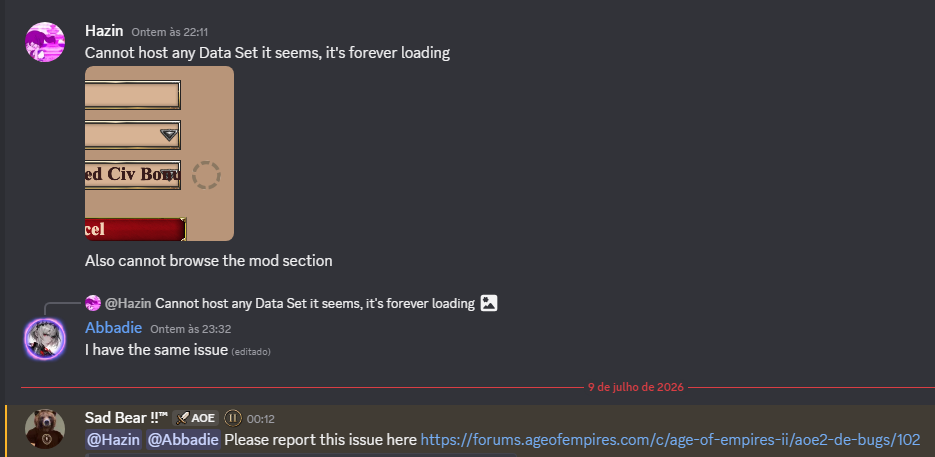
Game Mods Tab Broken Now

:play_button: GAME INFORMATION

:backhand_index_pointing_down: These details are CRITICAL; DO NOT skip them or your issue may not be reviewed.

  • GAME BUILD #: Version 101.103.48987.0 (#180059) 24094652

  • GAME PLATFORM: Steam

  • OPERATING SYSTEM: Windows 11

:play_button: ISSUE EXPERIENCED

:backhand_index_pointing_down: DESCRIBE THE ISSUE IN DETAIL (below). LIMIT TO ONE BUG PER THREAD.
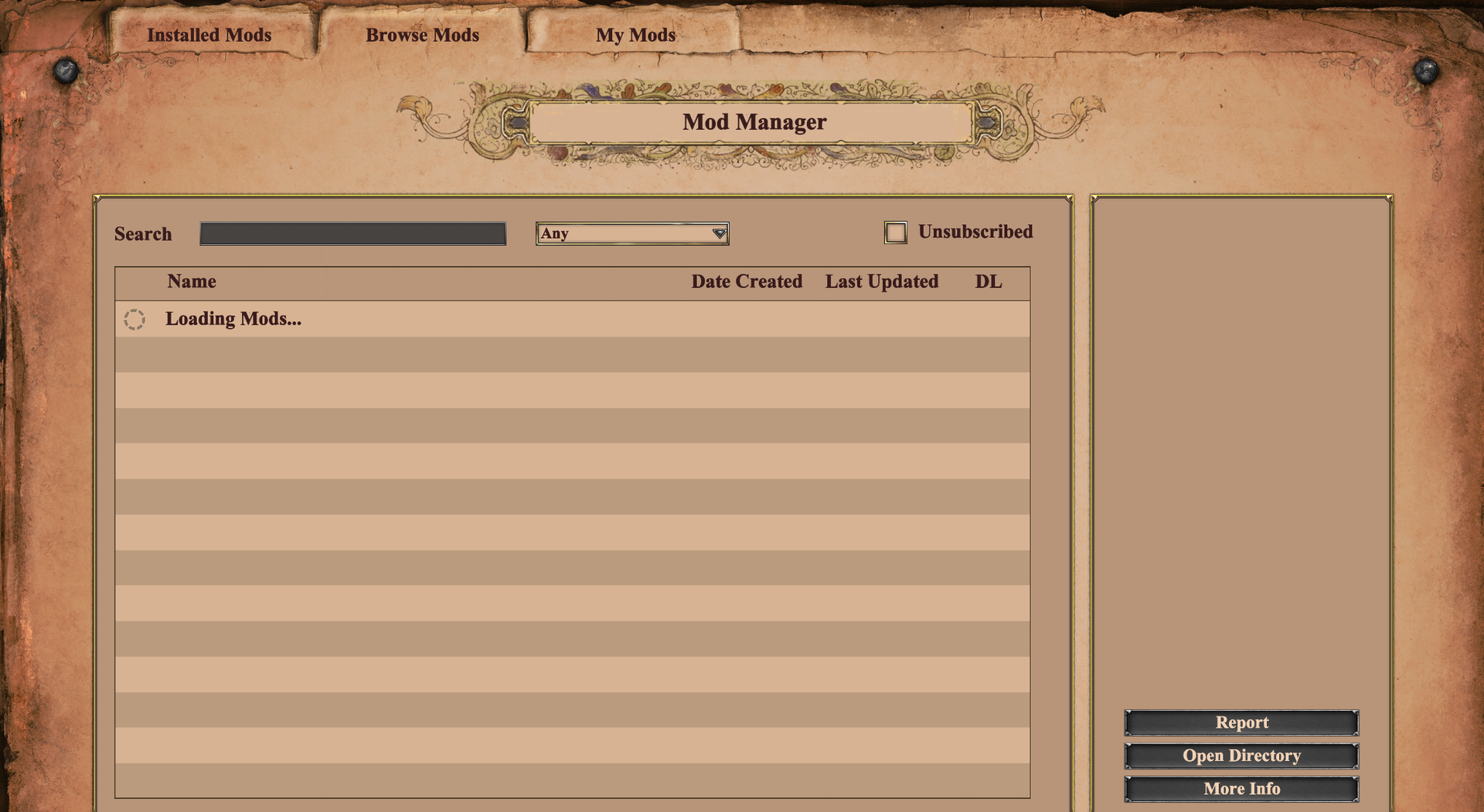
:play_button: FREQUENCY OF ISSUE

:backhand_index_pointing_down: How often does the issue occur? CHOSE ONE; DELETE THE REST !

  • 100% of the time / matches I play (ALWAYS)

:play_button: REPRODUCTION STEPS

:backhand_index_pointing_down: List CLEAR and DETAILED STEPS we can take to reproduce the issue ourselves… Be descriptiv e!

Main menu → Mods

:play_button: EXPECTED RESULT

:backhand_index_pointing_down: What was SUPPOSED to happen if the bug you encountered were not prese nt?

Mods should load normally.

:play_button: IMAGE

:backhand_index_pointing_down: ALWAYS attach a PICTURE (.jpg, .png, .gif) or VIDEO (.mp4, YouTube link) that highlights the prob lem.

:play_button: GAME FILES (SAVE / RECORDING)

:backhand_index_pointing_down: Attach a SAVE GAME (.aoe2spgame) or GAME RECORDING (.aoe2record) of the match where you encountered the issue. Link it below if using an external file ser vice.

  • Not applicable. Just reproduce using the 2 steps above.
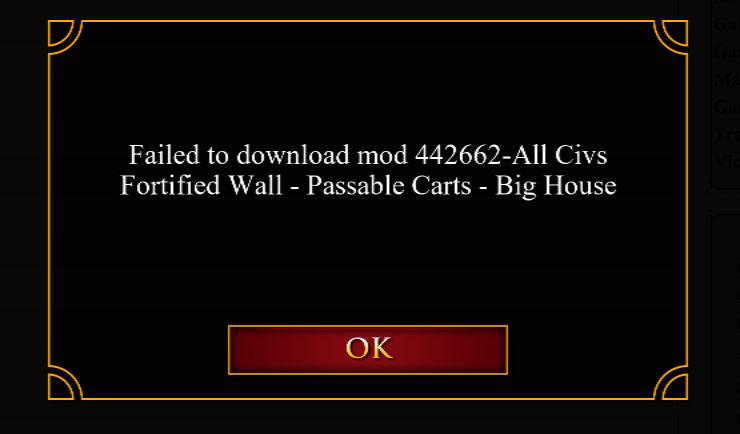
Yes, my mods are not downloading or unable to open mods tab.

@DodoNotDoDo could this be a server side issue? Thanks brother.

I’m having the same issue

Mine is doing the same..

everything works for me except “Browse Mods”

Same bug here. Can’t host game with previously installed data mod; also can’t download new mods.

Observe the endless loading circle to the right of data mod, and the grey Create Lobby button. It’s like this for all data mods I select.

Why is it not yet fixed? At least is there any information about why is it happening?

@Pradyumna It’s almost certainly an issue with the Azure servers.

However, a comment from a dev confirming they’re working on a fix would be good.

They confirmed on discord.

This should be fixed now. Server needed a reboot after yesterday’s maintenance.

I don’t know why but from many days my multiplayer gets disconnected all the mods run fine but whenever I host it says multiplayer got disconnected and I should host again. and by the way once this happens all the changes I do to the lobby resets, and I keep on doing it again, could the next update see that this will get changed too, please?