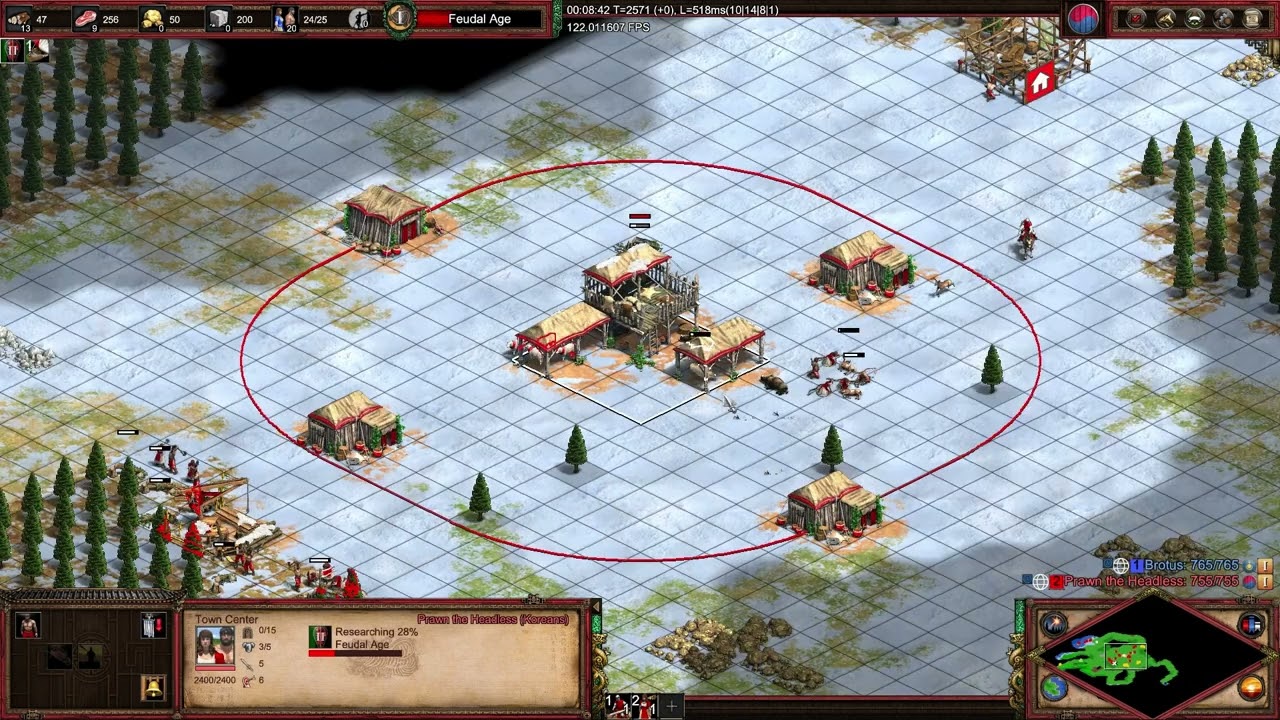
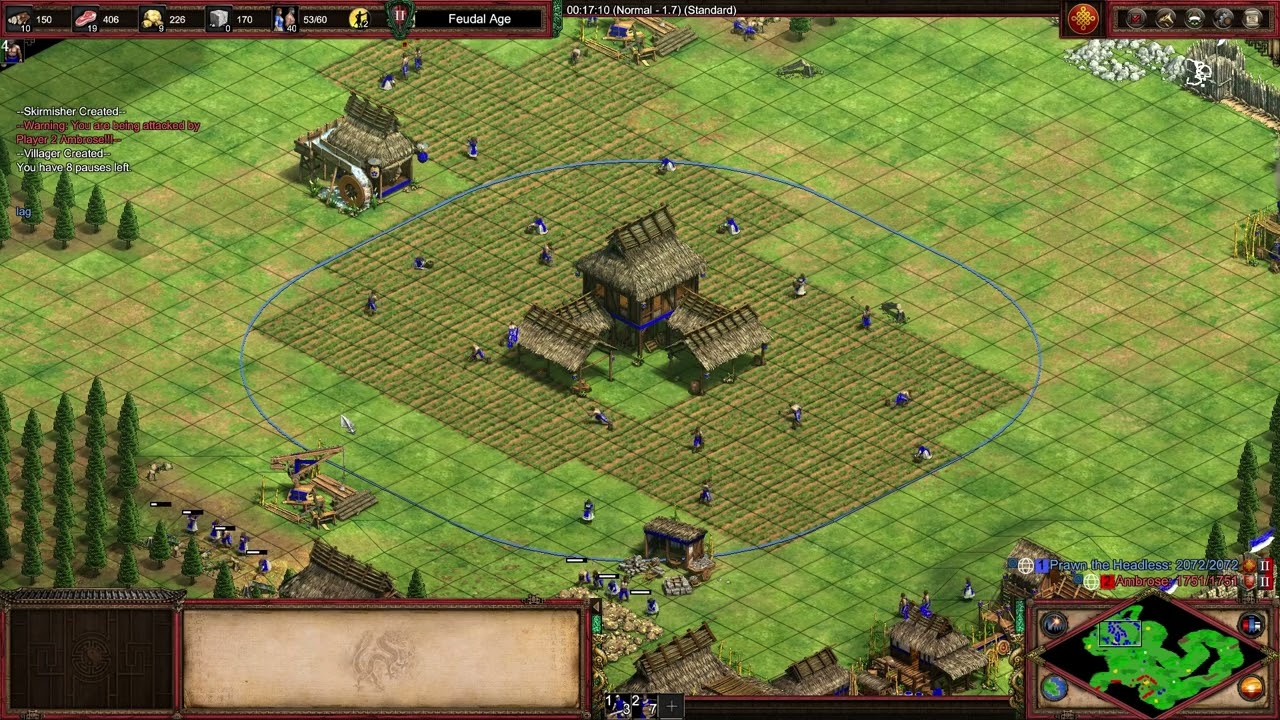
Anyway, my comments regarding reproduction steps are:
I am unable reliably reproduce the issue, but it is experienced often in online matches. It can occur on all match servers. I have experienced the issue while playing against others within my own country. (i.e. optimal server connection conditions)
Example 1:
Australian playing against an Australian on the southeastasia server.
Example 2:
Australian playing against an Australian on the australiasoutheast server
I have experienced this issue repeatedly on different computers, at different locations, on different internet connections. Reinstalling the game, factory resetting my PC, verifying the game files does not resolve the issue. It has been persisting for years.
I can provide many more examples if needed.
To add to this thread, the lag issues are so bad that the match sometimes disconnects outright.
4/4 game breaking lag today. Pls send help.
I can’t play this game anymore. Let me know when the servers are fixed and I’ll return.
Troubleshooting with Copilot suggests that my ISP provided modem has no ability to open ports required to connect to the Azure servers with stability. Crazy that I have to now go try and fix this with port forwarding etc. and possibly replace my modem.
I have changed my internet connection to remove CG‑NAT and assiged a public IPv4 address. Still lag spikes.
I’ve checked for jitter on my wifi and there was none.
AI says I’ve essentially proven:
The only two remaining causes after your tests:
- Azure relay server instability or
- AoE2 DE netcode bugs
For the sake of the thread, I would like to add that I have just done a completely fresh install of Windows 11 to help rule out any software issues on my end.
Running the game with barely any mods (only 2 or 3 common ones).
Still experiencing the lag spikes on the very first game played…
What’s a guy to do… 
I’ve tried using a VPN to avoid any routing issues with my ISP. The issue persists.
Part resolution found.
While on wifi, I monitored ping with a command prompt. There were occasional failed transmissions that ONLY occurred while playing AOE2DE.
Moving to an ethernet connection has almost entirely resolved the issue. Only 1 game out of ~25 having lag.
As a result, it seemed that AOE2DE was somehow causing those “micro-disconnects” but then also suffering severely as a result.
From reading online, I get the impression this can happen on ISP provided router modems. I presume they are cheaply built and don’t have high performant wifi capabilities.
Happy to provide copy of cmd logs if it helps devs at all.
Thanks for listening. I hope this helps someone else resolve a similar issue.
 GAME INFORMATION
 These details are CRITICAL; DO NOT skip them or your issue may not be reviewed.