GAME INFORMATION
- GAME BUILD #: #175278
- GAME PLATFORM: Steam
- OPERATING SYSTEM: Windows 10
ISSUE EXPERIENCED
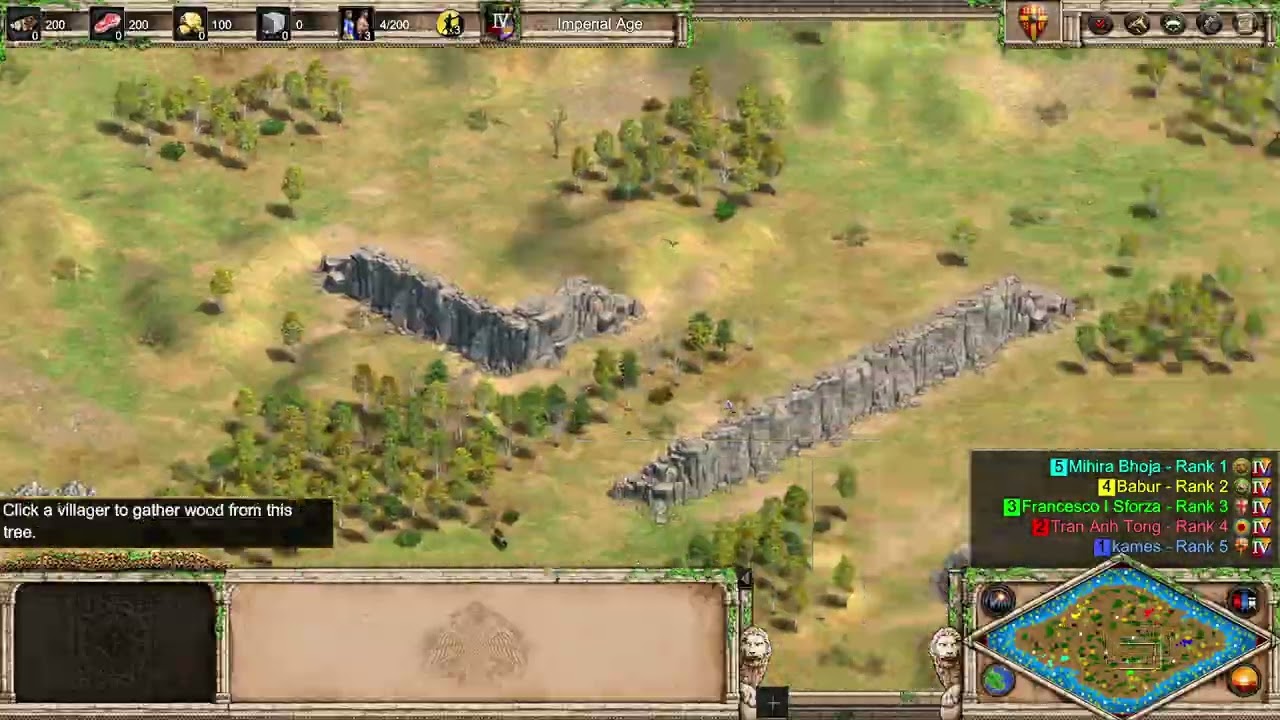
When moving the camera by placing the mouse cursor on the minimap, the scrolling animation is not smooth and does not follow the monitor’s refresh rate. I play at 300 Hz, but minimap scrolling behaves as if it were running at ~30 Hz . Camera movement becomes visibly choppy only when scrolling via the minimap.
Scrolling at the edges of the screen and scrolling using keyboard arrow keys are perfectly smooth and correctly match the refresh rate. The issue is isolated to minimap‑based scrolling.
FREQUENCY OF ISSUE
- 100% of the time / matches I play (ALWAYS)
REPRODUCTION STEPS
Here’s the steps to reproduce the issue:
- Launch the game on a high‑refresh‑rate monitor (144–300 Hz).
- Start any match.
- Move the camera by placing the mouse cursor on the minimap.
- Observe that the scrolling animation is choppy and appears to run at a much lower refresh rate than the game.
EXPECTED RESULT
Minimap camera scrolling should be smooth and should match the actual refresh rate of the game (300 Hz in my case), just like edge scrolling and keyboard scrolling.