Many recent campaigns (especially Chronicles) have a ton of custom units and techs that you create in buildings. It seems like they’re all assigned grid hotkeys. Using WASD scrolling and custom hotkeys makes this borderline unplayable. I accidentally click those hotkeys all the time.
Is there really no way to disable or reconfigure those?
Hi there, you may be pleased to know that the Alexander the Great custom campaign hotkeys can in fact be customized/cleared, they’re the last tab currently in the hotkeys menu.
I copied this from Hera, who was famous for playing with WASD scrolling. The idea is that you don’t have to move the mouse to the edges of the screen, so that you have to move it smaller distances and click faster and more precisely.
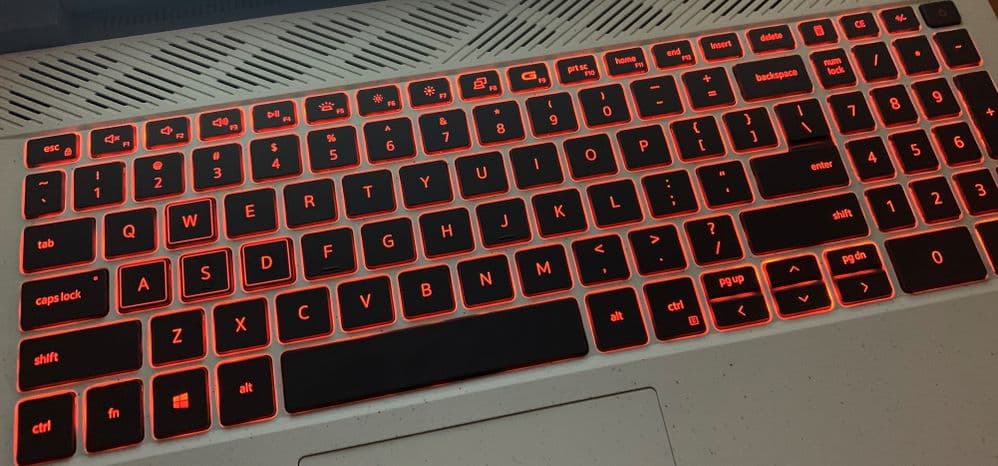
Because all other games use WASD and those four buttons are intentionally made sturdy in many keyboards for that specific purpose (camera movements). While sometimes the arrow keys are made smaller and awkwardly placed on laptops making them near useless.
Controlling camera with just the help of Mouse was never convenient to center your screen to most important event on map. Using both keyboard + mouse gives more control.
Heh. I wish that were the case for me. The “A” key on my laptop came off, so it’s a lot harder to use it now. I use a separate keyboard for certain games.
Hera moved away from that many years ago. Having to assign 4 keys at the most convenient area just to move screen is insane.
Well using grid hotkeys is similarly insane, and yet a ton of people use those! In the end WASD scrolling is a tradeoff between giving up some hotkeys in good position against saving mouse movement by not having to edge scroll. For me it’s worth it with a good hotkey setup.