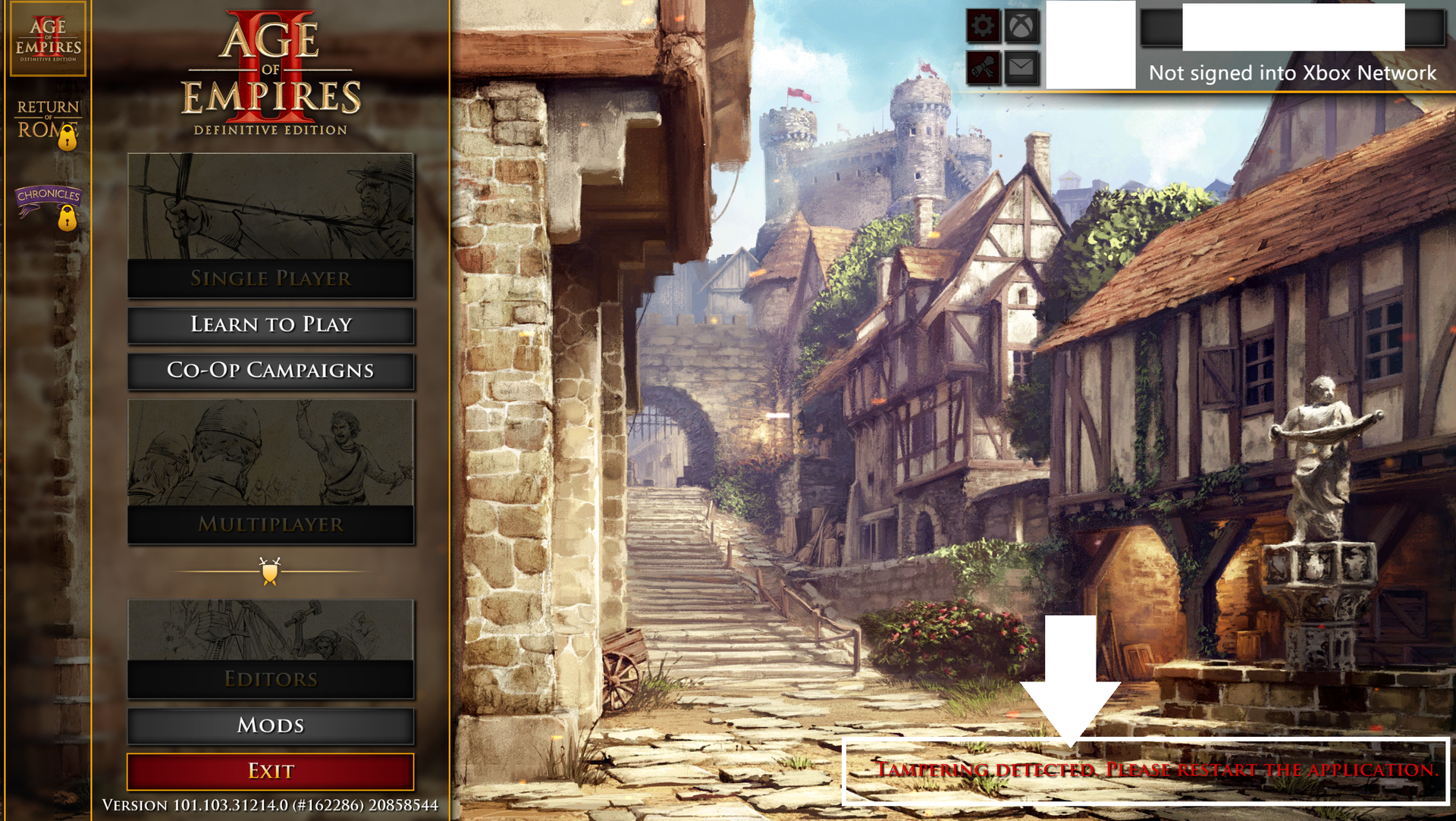
Tampering Detected Error after changing name of local mod folder

:play_button: ISSUE EXPERIENCED

I simply changed the name of my own, personal, local mod in my mod directory on hard drive, then launched the game and went to the Mods > My Mods area. Then tried to ‘install local mod’ because the old name was grayed for my mod was grayed out due to the name change.

I figured ‘installing local mod’ would find the revised name to refresh the UI, but nope… it thought I tampered with the game. It gave some popup about something interfering with the correct operation of AoE2:DE, and kicked me out to the main menu showing grayed-out tiles and the lower-right error of tampering detected.

I know the mod name change caused the issue because 5 minutes earlier I had finished playing a 30-45 minute game just fine with the old mod name that I’ve used countless times the past couple months, and daily the past week or so. As soon as I changed the name in my File Explorer, I get this error a minute later

So, we aren’t allowed to edit the name of our own, local, private mods??

And now even after I change the mod name back to the original name I get the error. Great…
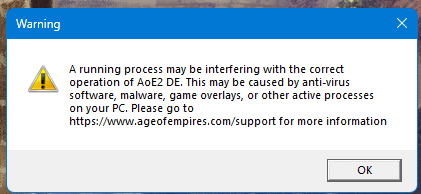
Would be nice if the My Mods page lets you delete entries on it so you can re-install, rather than graying out the mod it can no longer find and locking you out from managing your own content.

All this because the game doesn’t let you use .MP3s for audio files. Have to do the big runaround with wwise, mod install, etc. just to fix audio you don’t like in the game
First, check the integrity of your game data using Steam or similar.
Local mods are usually applied automatically if you change the file name.

Thank you, I will try that

Nice to know it normally should work okay if you edit the mod folder name

1 Like

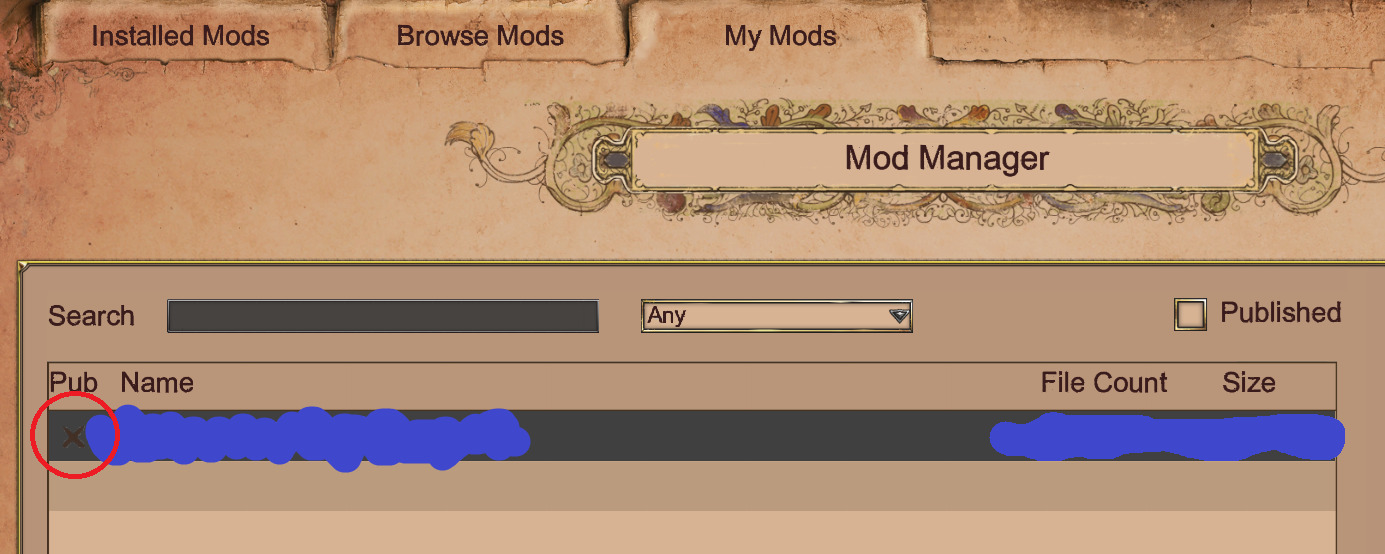
It didn’t work. Still get the issue. It has had a gray ‘x’ next to my mod ever since the issue began, which I don’t think is normal, is it?

Update: I got some of my sounds back, and clicking Import Mods just now didn’t screw the game up, finally. No idea why it’s somewhat working now. Is it critical for the info.json file for your mod to match exactly or closely the folder name you make? I don’t think I changed it when editing my mod name the other day. I adjusted the name there moments ago, and added underscore chars to my mod folder name rather than spaces… so maybe one or both of those things helped.

PS: The game really doesn’t want you overriding the chat *ding-dong* sound and overly long and loud battle alarms/horns, as my custom sounds for them aren’t working now. Even though I had finally gotten them working a few weeks ago after months of them not working, they’re not working again :roll_eyes:

This‘x’means you don’t publish that mod to the world. To see if a local mod is working, look at the checkbox in “Installed Mods”.

Sound mods seem to cause errors for some people, but I’ve never had an issue with it. So maybe someone else knows more about this problem.

1 Like