 GAME INFORMATION
 These details are CRITICAL; DO NOT skip them or your issue may not be reviewed.
- GAME BUILD #: 185872
- GAME PLATFORM: Steam
- OPERATING SYSTEM: Windows 11
ISSUE EXPERIENCED
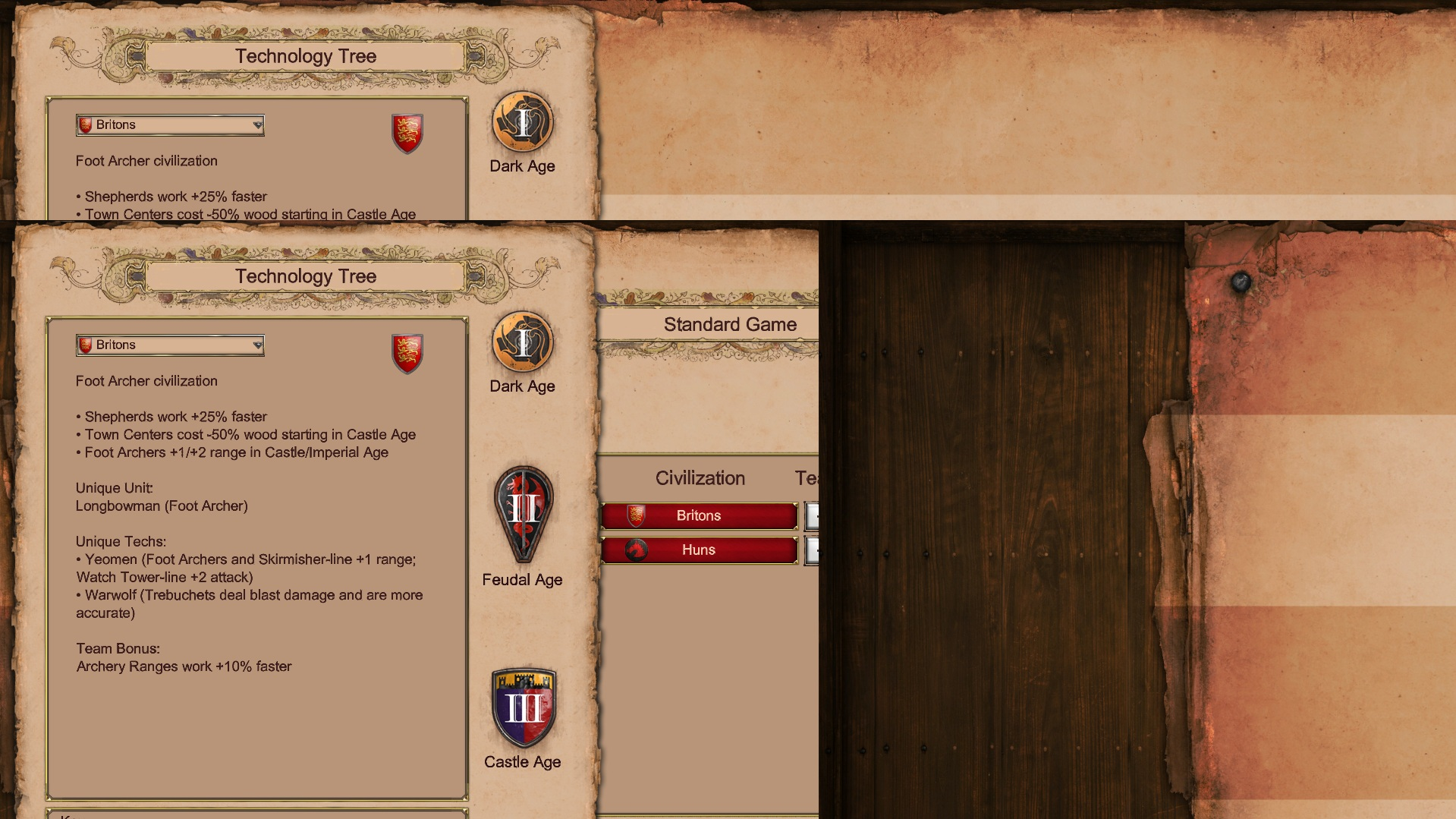
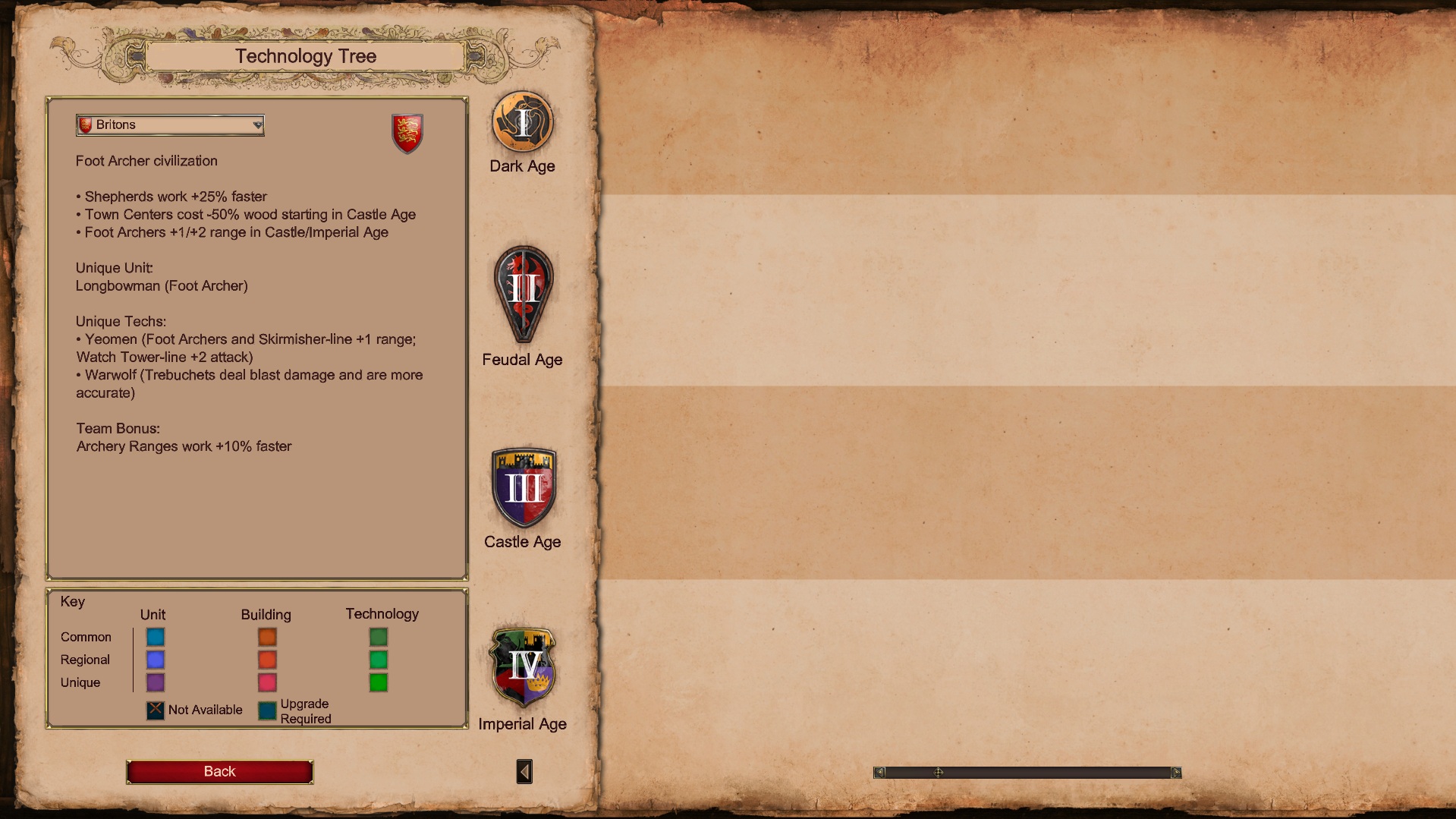
It is still not possible to use a custom tree; it only works if we use the original naming convention.
FREQUENCY OF ISSUE
How often does the issue occur? CHOSE ONE; DELETE THE REST!
- 100% of the time / matches I play (ALWAYS)
REPRODUCTION STEPS
The file paths are located in the “dat” folder in your mod: resources/_common/dat
-
Open the civilization.json file.
-
Change the value of the ‘tech_tree_name’ key in a selected civilisation. EG: in Britons civ, second item in array. BRITONS to ENGLISH
-
Create a folder named “CivTechTrees,” then copy an existing civilization’s technology tree (e.g., BRITONS.json) into that folder.
-
Rename the file to the value you specified for ‘tech_tree_name’ in the civilizations.json file for the civilization you selected. (BRITONS.json → ENGLISH.json)
-
Open the JSON file located in the CivTechTree folder that contains your civilization’s technology file.
-
Edit the value of the “civ_id” key to match the name you previously specified in the civilizations JSON file for the “tech_tree_name” value of the civilization you want to edit. (BRITONS → ENGLISH)
-
After you’ve successfully saved your changes, open the game and load the mod in single-player mode. Select the edited civilization, then click the technology tree button.
Completely empty, custom tech tree does not display. It still doesn’t work even after reimporting and restarting!
EXPECTED RESULT
What was SUPPOSED to happen if the bug you encountered were not present?
The game should read the technology’s tree file and display it the items!
IMAGE
ALWAYS attach a PICTURE (.jpg, .png, .gif) or VIDEO (.mp4, YouTube link) that highlights the problem.
GAME FILES (SAVE / RECORDING)
Attach a SAVE GAME (.aoe2spgame) or GAME RECORDING (.aoe2record) of the match where you encountered the issue. Link it below if using an external file service.