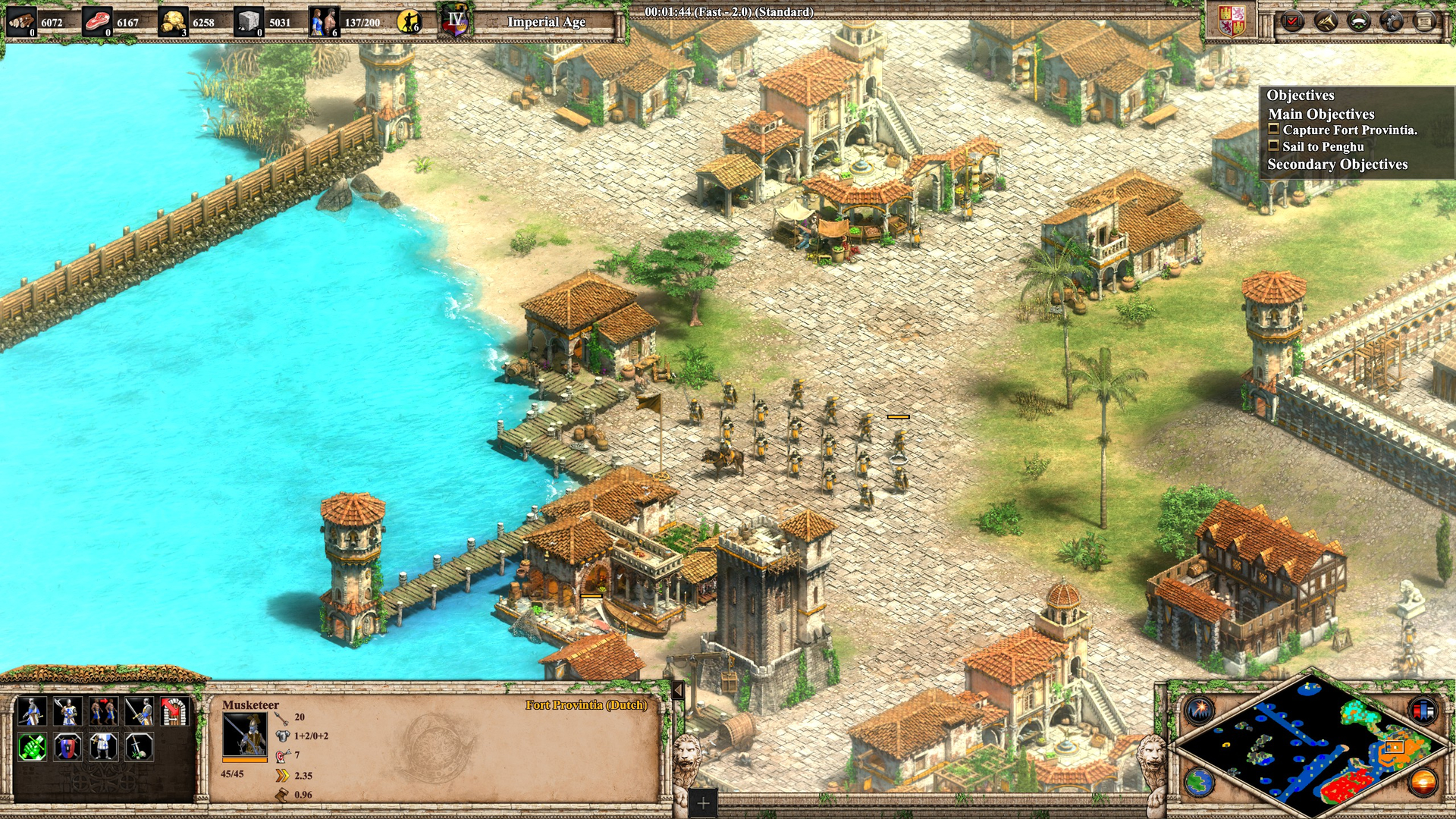
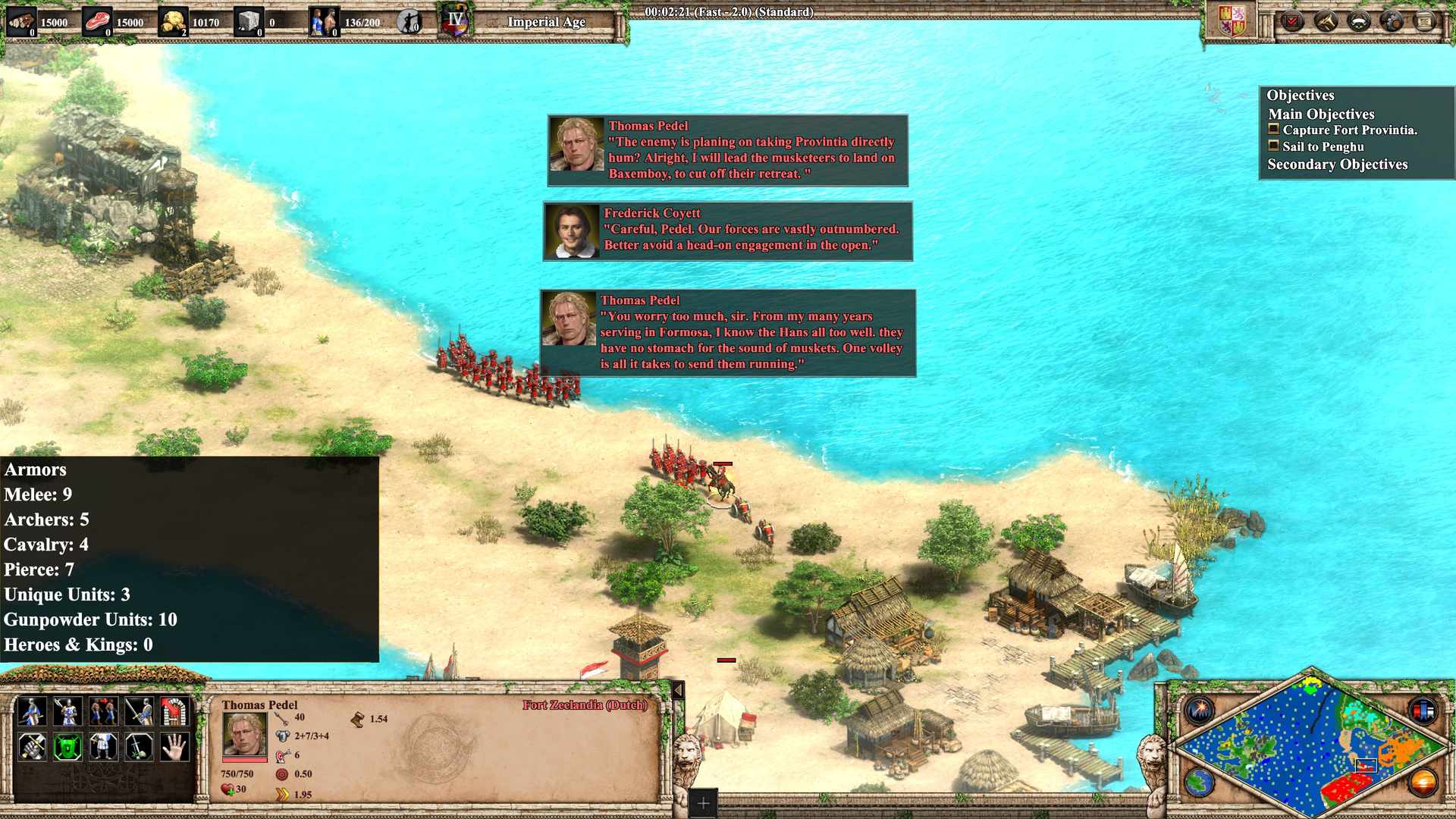
If I use SLX workshop to export the .dds file, I can’t make an alpha layer that indicates the player color.
Yet if I use Photoshop to to export the .dds file, everything other then the alpha layer would become blue:
If I use SLX workshop to export the .dds file, I can’t make an alpha layer that indicates the player color.
Yet if I use Photoshop to to export the .dds file, everything other then the alpha layer would become blue:
OMG! I forgot how to do this too…
There’s a long thread including the answer, maybe I’ll be able to find and share the link here.
I used SLX Studio only for previewing and GIMP for editing.
You have to export your GIMP project as a DDS file with a specific format.
I’m almost sure the format is called “ABGR8”.
Please let me know if this works!
Edit: Found a mention to this same format, it’s probably the right (and only) one:
Thanks but I don’t think this tells me anything about keeping the player color for the icons, since the alpha filter won’t be kept in the file when you save as png.
Like I can already make icons into dds files with SLX Studio, I am struggling with the player color part:
When generating the DDS file you have many possible encoding formats. The only one supported by the game’s graphical engine seems to be “ABGR8”.
It’s usually not the default format, so you have to set it specifically.
Sorry, but I don’t think you understand what my question is.
By “player color” I mean the player 1 = Blue, player 2 = Red etc part.
I can export the icon into the kind of DDS the game can read without problem.
This issue appeared to me when I used the wrong format.
Ok, now I see the difference.
Are you leaving blank the spots for the player color and using only the alpha layer?
You should “paint” them by varying the opacity of the alpha layer.
It will probably show as white where you want the pure player color, a shade of gray where you want a variation of that color, and black where you want full transparency.
My issue is that I can only export dds files with the color the game can read with SLX Studio,
and export dds files with alpha layer with Photoshop. I don’t know how to keep the alpha layer from Photoshop to SLX Studio.
This is my current method to remove the team color, but result into a solid-one-pixel-type team coloring instead of shading.
If you’re good with an image editing software, then basically what you have to do is select the parts you want to be the team color variation and make them alpha transaprent 0 instead of any color and then turn that into the DDS.
The main thing to understand in how to make team-color working is that the team color part must be transaprent pixel, while the reste is colored. If you open the ingameunits dds file from the game with your paint.net you’ll see how they did it. By zooming in/out you’ll see that at a specific level the transparent pixels thay made turns into white shades (because when you zoom too much in a file with transparency, software tend to apply a white background behind it so you see those black-grey semi transaprent pixels shading the auto-white background of the software)