If I edit unit Icon Portraits PNG the unit seems to lose player colors, even though I have kept the player color areas as transparent mask.
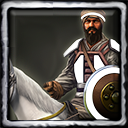
Like in this one:
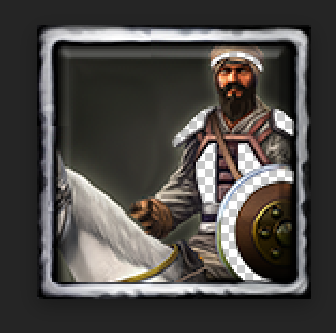
If I edit unit Icon Portraits PNG the unit seems to lose player colors, even though I have kept the player color areas as transparent mask.
Like in this one:
I have the same question. Anyone have a solution?
This topic seems to be indexed in search engines even though it doesn’t provide any solution. 
I put the links here of the topics that give the solution. It will prevent other people who, like my friend, from going crazy over this problem xD
Neither of those threads provide an answer to the question.
Can someone please explain why the transparent texture is black and not the player colour?
I’ve encountered some weird issues with png’s and their export settings, even having one cause a mod to lose MP compatibility. I’ve learned to always work from either an existing icon or a copy of one, and then copy the new icon into it instead of trying to export via my image editor.
So you’re just using an existing one as a placeholder. Then exporting the new one to a different location, then moving that into your desired folder to overwrite the placeholder?
The trick is to never use file→export. Copy+paste an existing file, then open that newly copied file up and paste the image that you want into that file. Then you can just save/overwrite the file without having to mess with export settings.
Oh that explains so much.
Man such a goofy workaround too.